Show us the part. Sketch the idea. We draw the detail.
CAD drafting and conversion for bespoke cabinetry, high-end custom homes and product components.
Start with a hand sketch, an existing drawing, a PDF or a video. We turn your reference material and instructions into clear CAD drawings, with the details confirmed along the way.
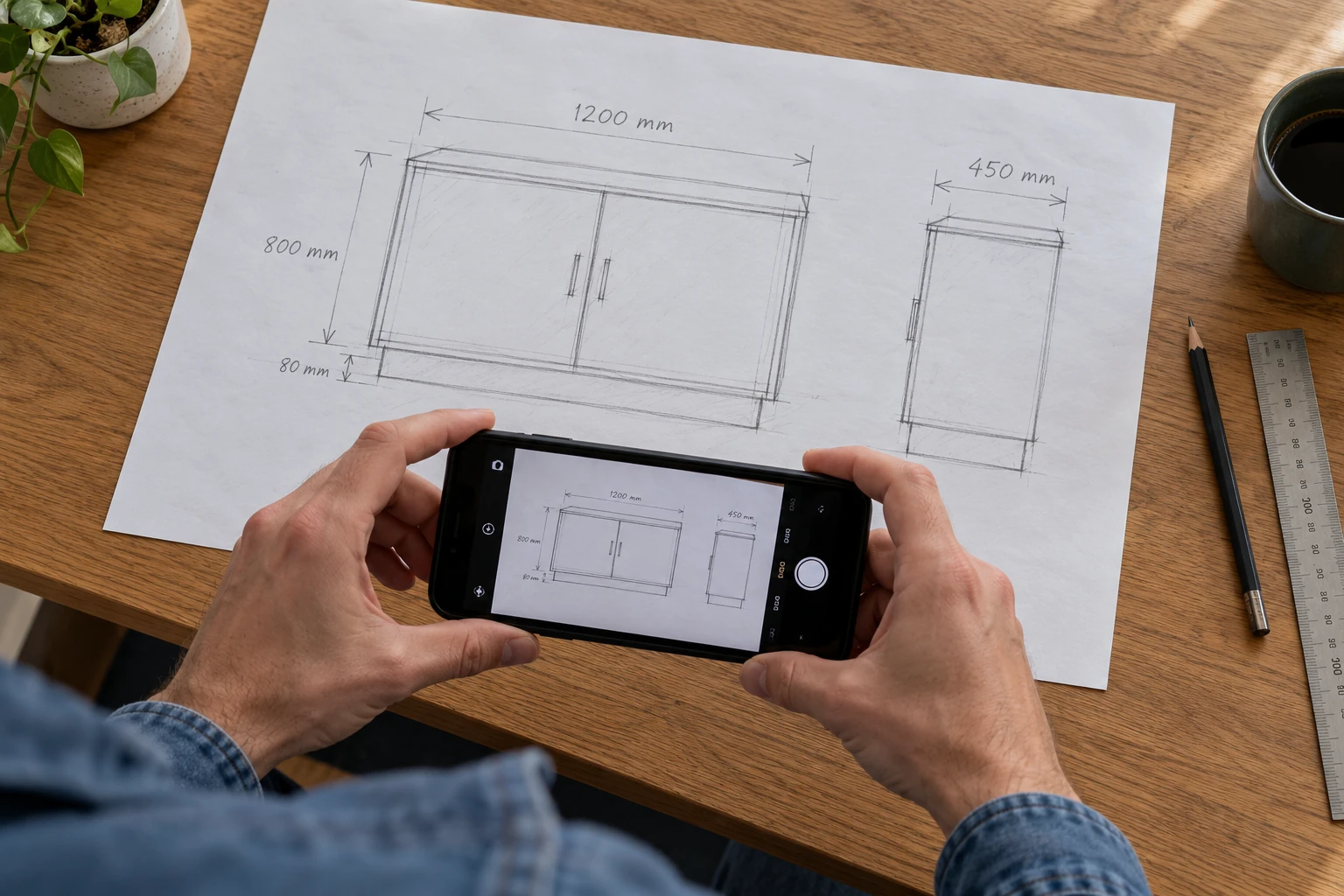
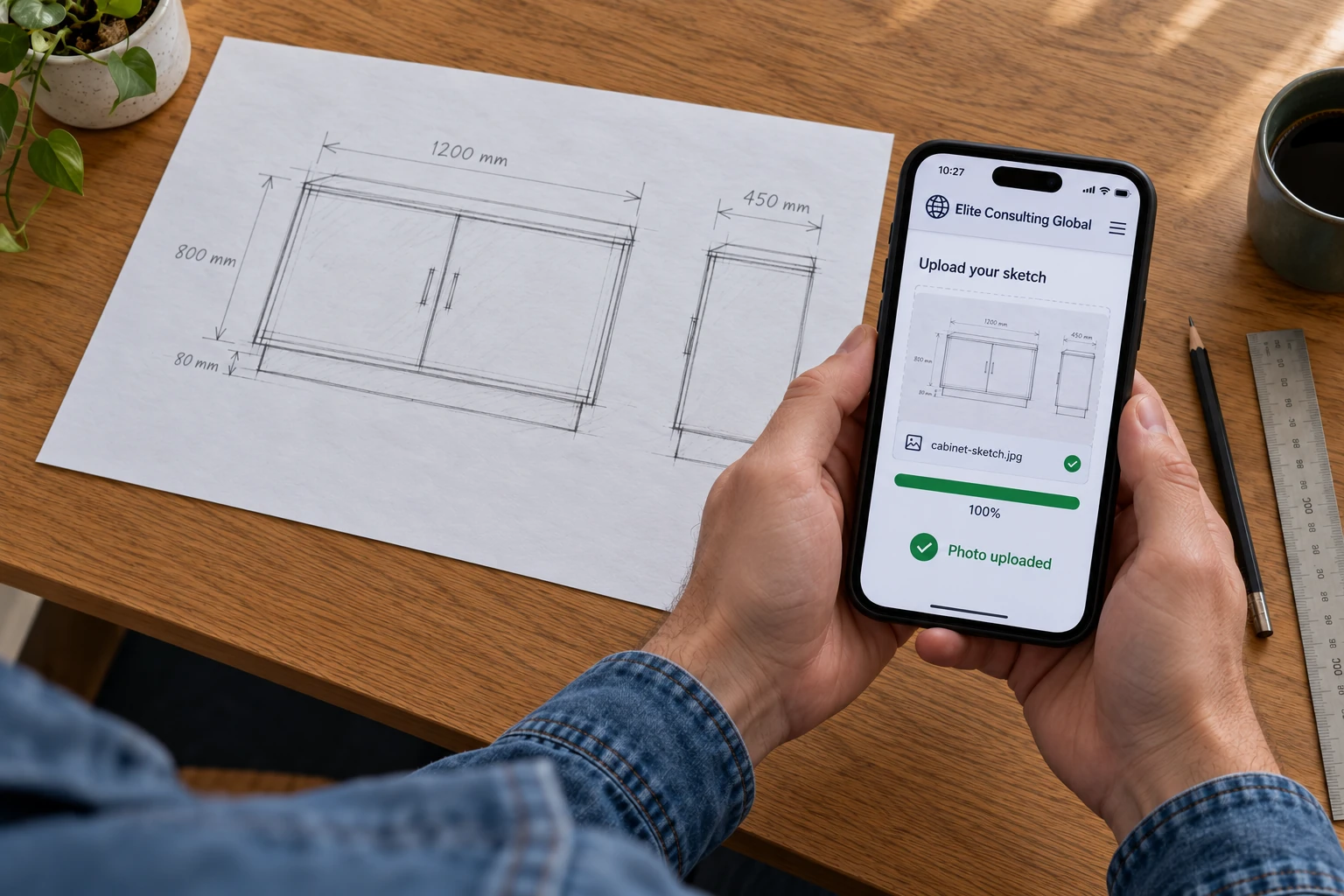
A dimensioned hand sketch is enough to start the conversation. Photograph your layout or design, share it with us, and we will clarify the details before turning it into a clean CAD drawing.
01 / PHOTOGRAPH
Put the idea on paper.
Sketch your design and add the dimensions, units and notes you already have. Take a clear photograph of the whole sheet.
02 / UPLOAD
Share the photograph with us.
Send the sketch photograph and your brief using the upload or file-sharing route arranged for your project. We confirm anything that is unclear or missing.
03 / REVIEW
See your sketch drawn in CAD.
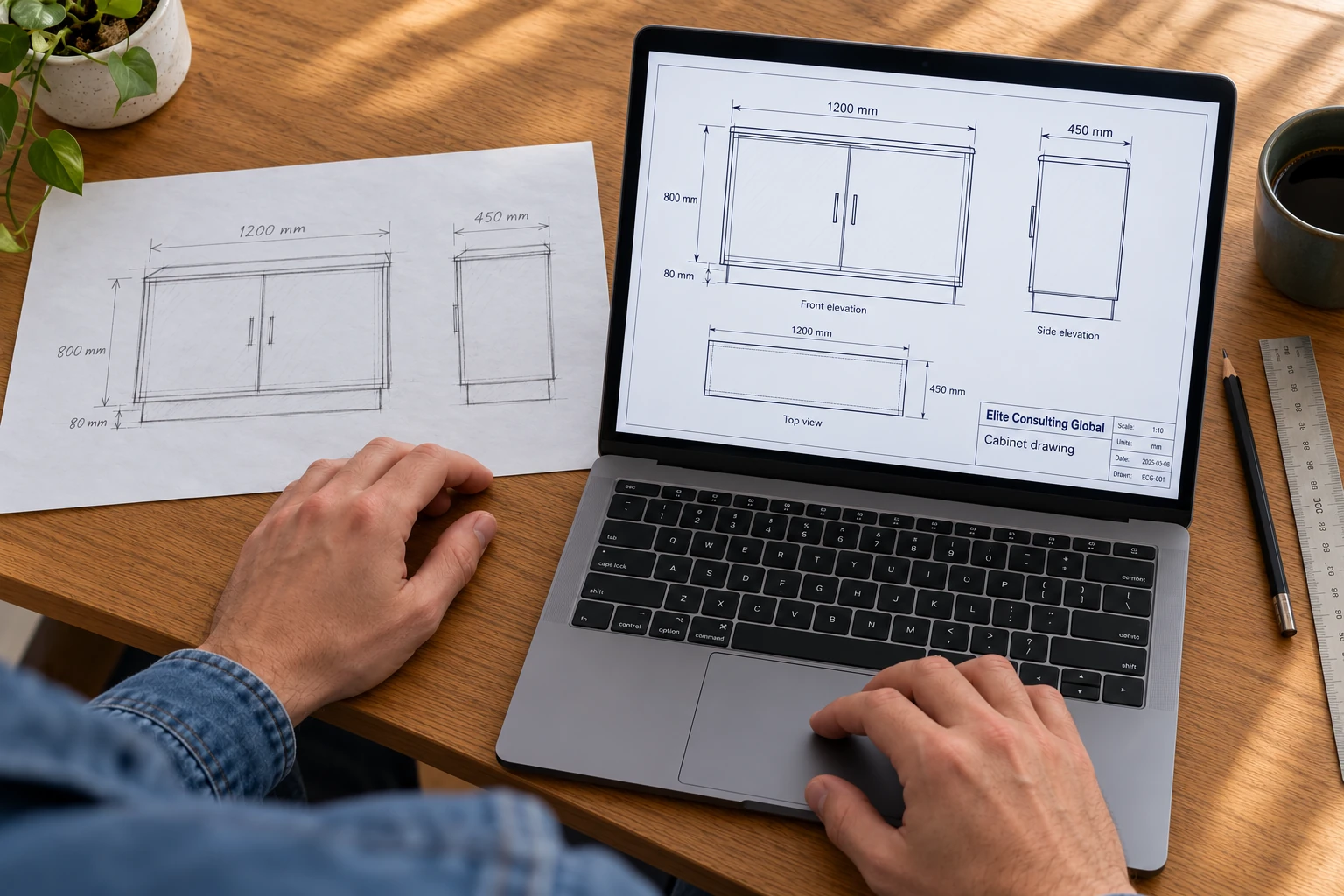
Review the matching plans or elevations alongside your original sketch, then receive the agreed editable CAD files and a PDF review copy.
Illustrative process photographs, including an example upload screen. We arrange file sharing for each project and confirm dimensions before drafting.
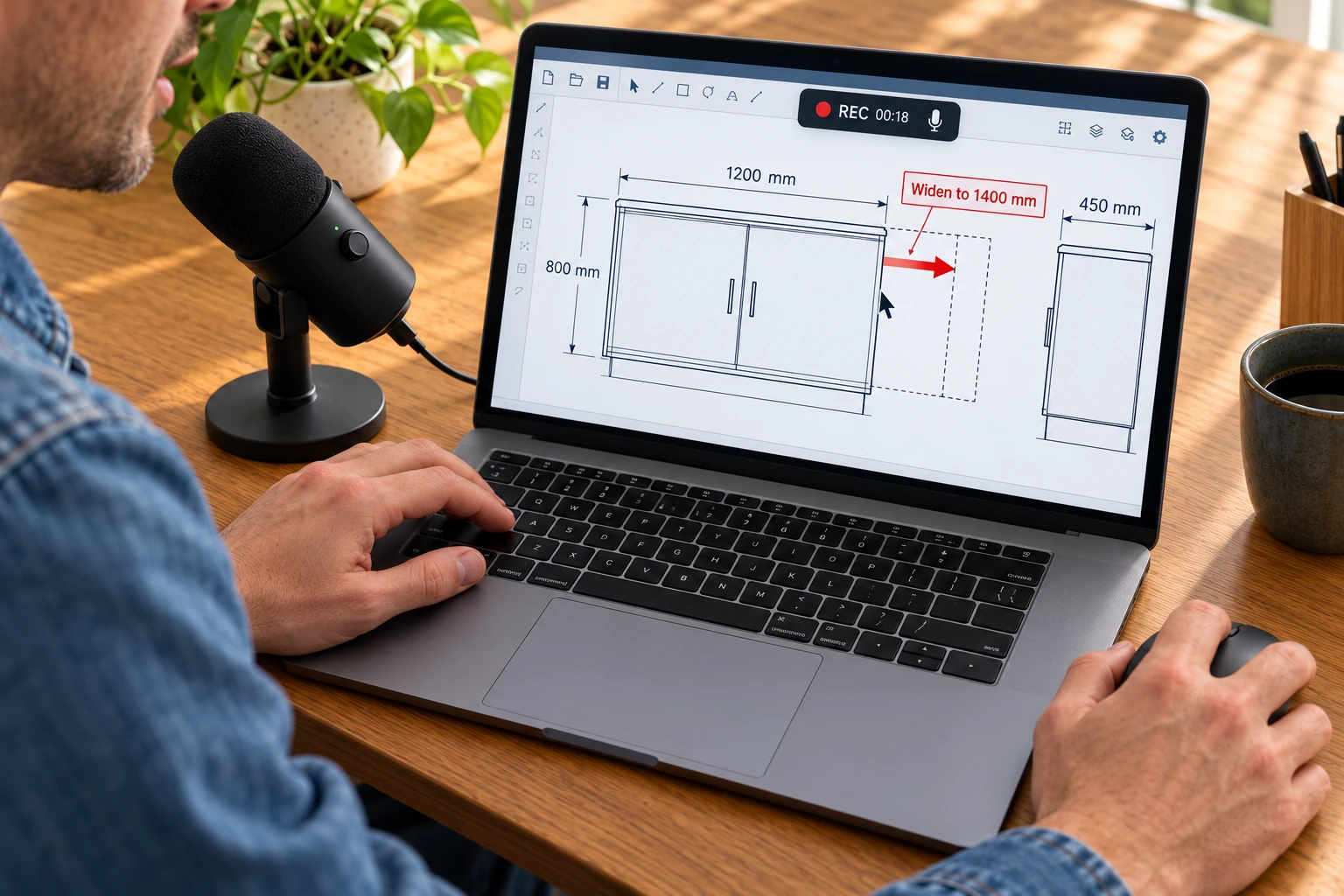
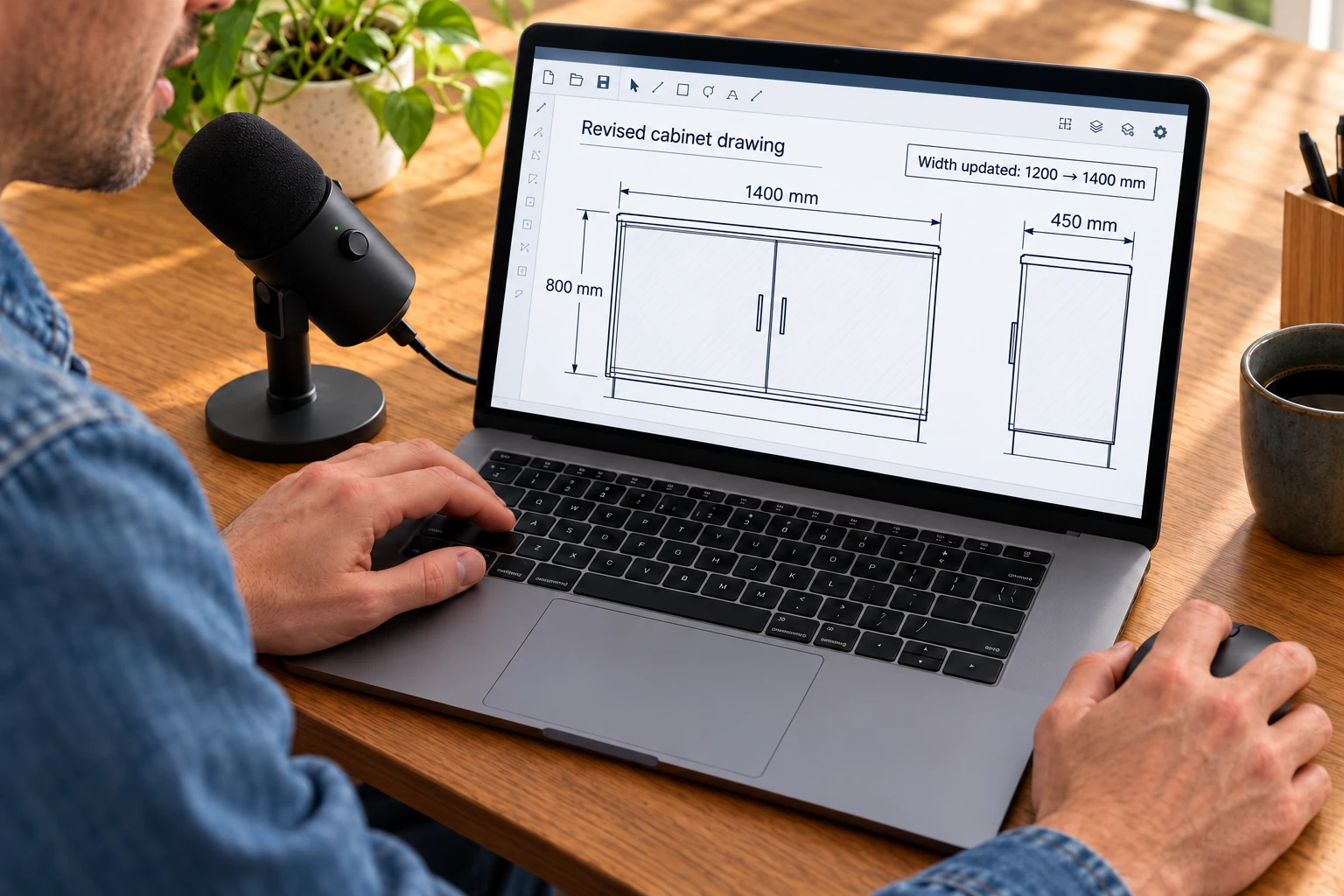
Open your CAD drawing, record your screen and talk into your microphone while using the mouse to point out each change. Send us the recording and original drawing; we return a revised drawing based on your instructions.
01 / RECORD & EXPLAIN
Show us what needs to change.
Record the drawing on your screen. Point with the mouse, highlight the area and explain the new dimensions or layout you want.
02 / UPLOAD
Send the recording and CAD file.
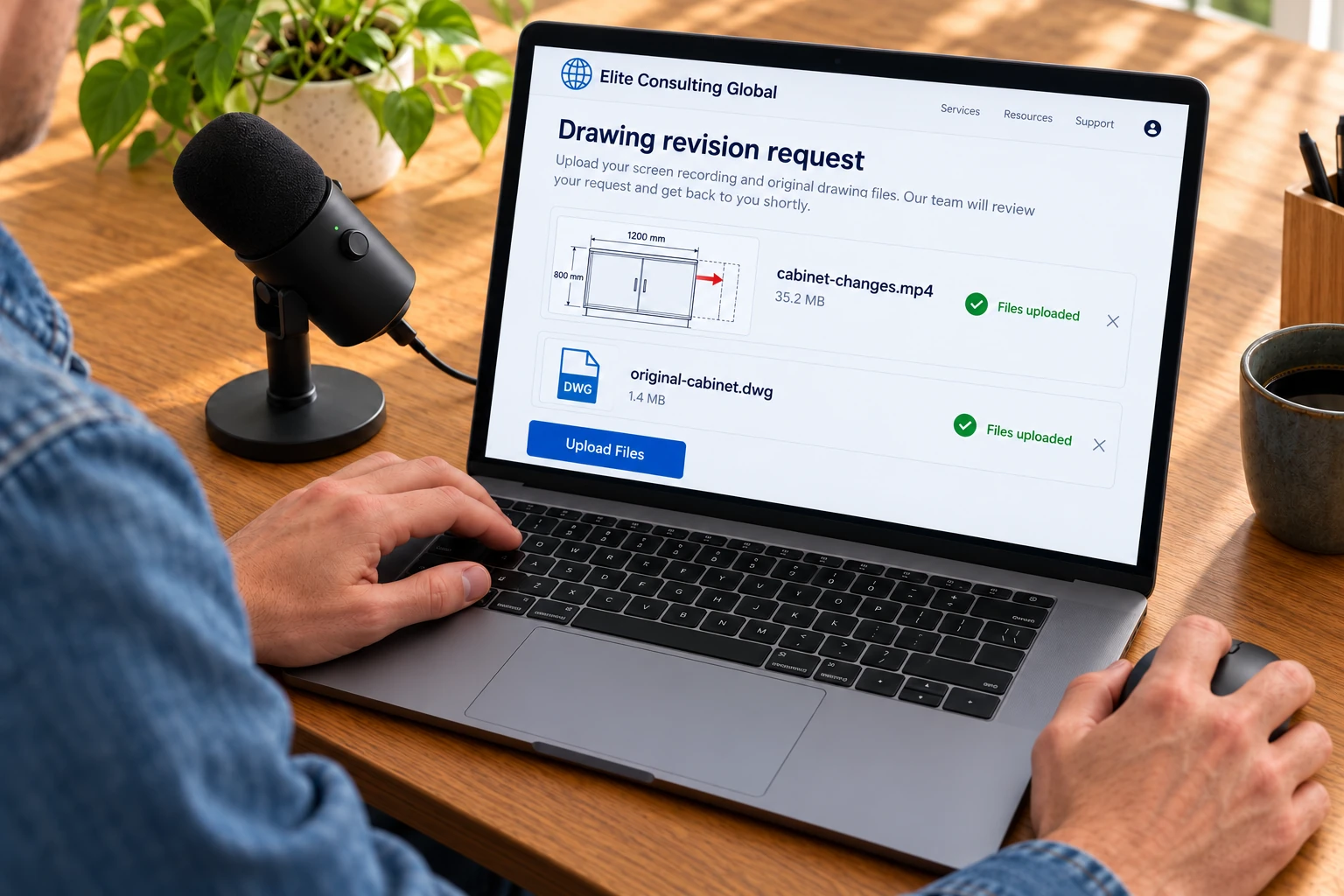
Share your screen recording together with the original DWG, DXF or other source drawing through the route arranged for your project. We clarify any ambiguous instructions.
03 / REVIEW THE REVISION
Receive the changes you described.
Review the revised CAD drawing, updated dimensions and change summary. In this example, the cabinet is widened from 1,200 mm to 1,400 mm.
Illustrative process photographs and upload screen. The arrow demonstrates a requested change during the recording; the final image shows the revised drawing.
EXAMPLE SCREEN-RECORDING BRIEF
“Make this cabinet 1,400 millimetres wide instead of 1,200, and update the plan and elevation.”
You do not need to write a long drafting brief. Your voice and mouse movements help us identify the feature and the result you want.
SOURCE DRAWING + YOUR EXPLANATION→REVISED CAD + REVIEW PDF + CHANGE SUMMARY
WHAT WE CAN HELP WITH
Your starting point. Our drafting expertise.
Practical drawing support for designers, cabinetmakers, residential project teams and businesses developing or documenting physical products.
01
Cabinetry & luxury residential drafting
Kitchen layouts, cabinet plans and elevations, islands, storage layouts and drawing schedules. We assist with bespoke cabinetry and interior drawing packages for high-end custom homes, working from your measurements, design intent and project standards.
02
Hand sketches to CAD
Turn a hand-drawn layout, dimensioned sketch or marked-up concept into an organized, editable CAD drawing. We clarify missing dimensions and translate your notes into plans, elevations or component drawings.
03
PDF, scan & image conversion
Redraw suitable PDFs, scanned plans and photographed sketches as editable CAD. We review source quality and scale first, preserve the available dimensions and confirm details that cannot be read reliably.
04
Measurement videos to CAD
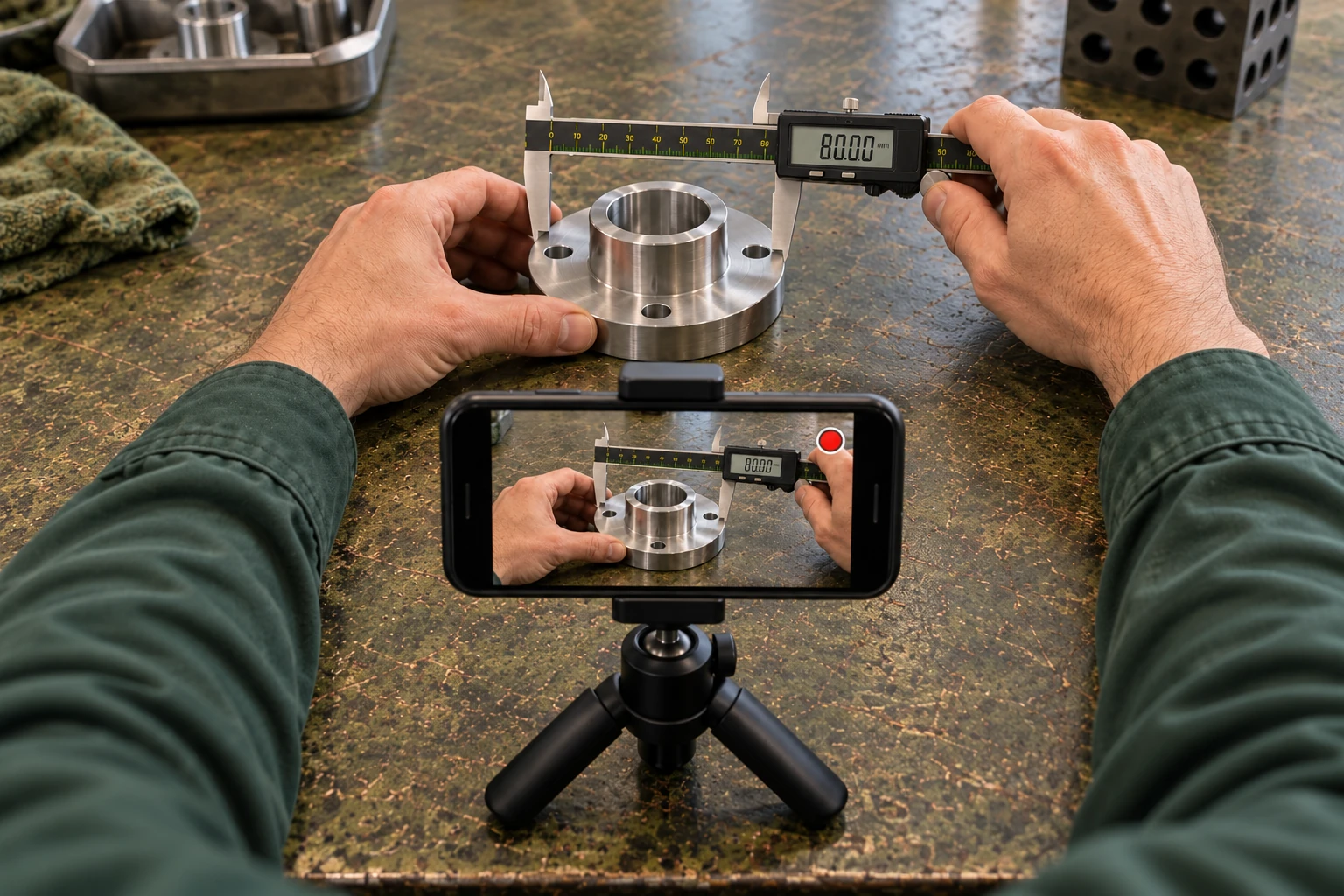
Film a physical part while showing caliper or tape-measure readings, or walk us through a measured space. We review the views and measurements, resolve missing details, then prepare the agreed CAD model or drawing.
05
Revisions from voice & screen recordings
Open your drawing, record your screen and explain the changes while pointing to each feature. Send the recording with the original drawing file. We turn your spoken requests, written notes or redline markups into drawing revisions and a clear change summary.
06
3D parts, assemblies & linked drawings
Selected mechanical components can be rebuilt as editable parametric models with linked drawings. Scope can include Inventor parts and assemblies, orthographic and section views, exploded views, parts lists and STEP exports, based on the supplied geometry and requirements.
A PHYSICAL PART. A SHORT VIDEO. A CLEAR DRAWING.
From your workbench to a CAD drawing.
You have the part in your hand. We help turn it into a digital reference you can work with.
Imagine holding a metal fitting in front of your phone, rotating it to show every side, then measuring its diameter, height, bore and hole spacing with calipers. You explain each reading as you go.
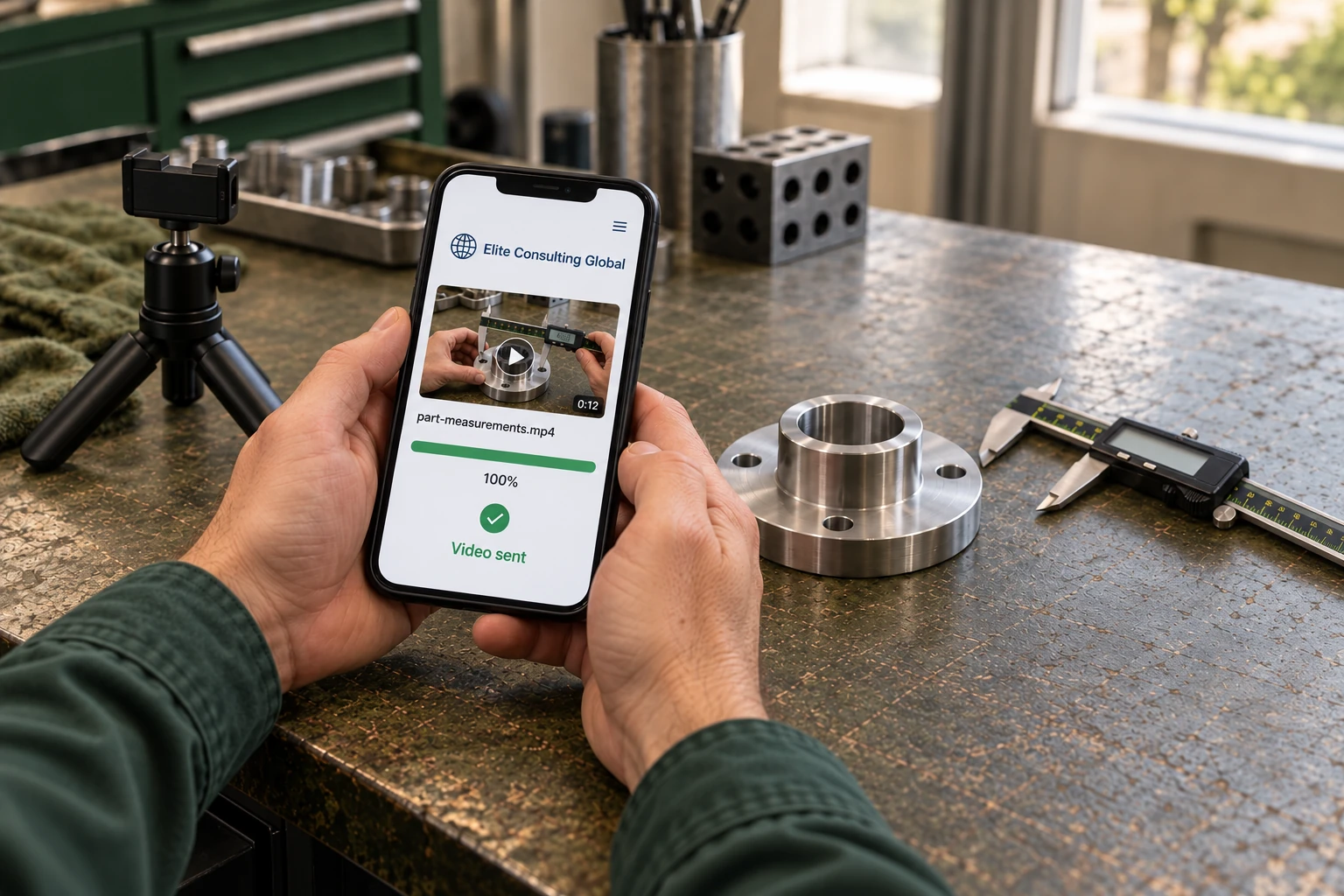
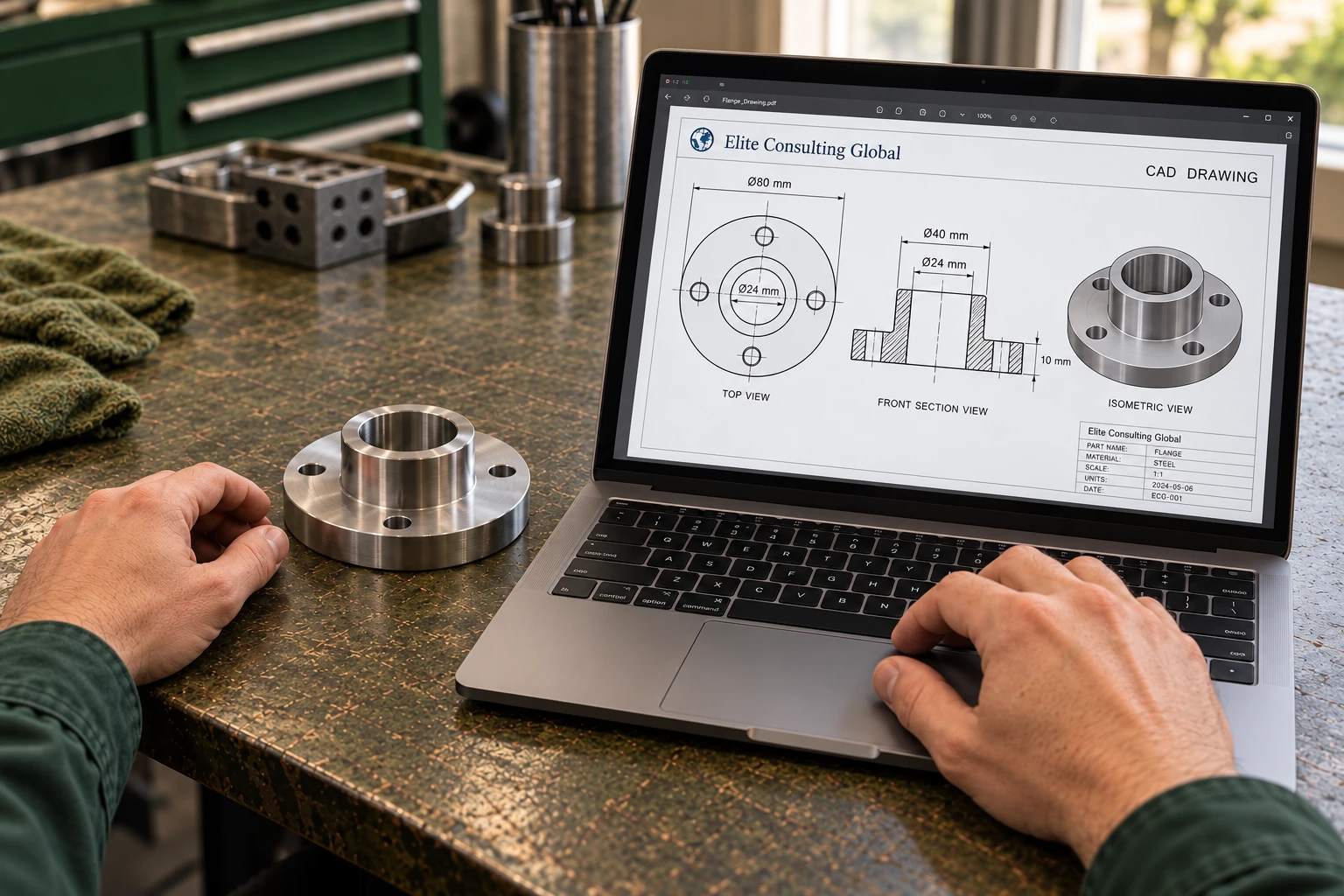
Send us the video, close-up photographs and any sketches or specifications. We review the evidence, ask for any missing measurements and build the agreed model and dimensioned drawing for your review.
Show the partFilm each side and any hidden features you can access.
Show the measurementsKeep the caliper display readable and say the value and units aloud.
Confirm the detailsWe clarify missing dimensions, threads, fits, materials and tolerances where relevant.
Review the CADReceive the agreed editable model or drawing, plus a PDF for review.
A video supplies reference evidence. Dimensions and features that are not visible or measured need confirmation.
A SIMPLE WAY TO START
Send the references. We work through the details.
01 / SHARE
Tell us the outcome
Send your brief and available drawings, sketches, photos or recordings. Tell us the required format, units, deadline and drawing standards.
02 / CONFIRM
Agree the scope
We review the source material and confirm the missing information, deliverables, price and timing before drafting begins.
03 / DRAW & REVIEW
Results usually within 24 hours
Once the brief and required information are confirmed, CAD results are usually delivered within 24 hours. Review the drawing or model, explain any revisions, then receive the agreed final files and a record of the changes.
FILES YOU CAN WORK WITH
Editable outputs. Clear review copies.
Depending on the project: DWG or DXF drawings, PDF review sheets, SVG previews, drawing schedules, STEP models, and native Inventor part, assembly and drawing files.
We agree the format and software version at the start. Native model rebuilding, file conversion and visual redrawing have different requirements, so we check the source files first.
Drafting follows the information and specifications you supply. Construction, fabrication or manufacturing release requires the appropriate project review and approval.
PROJECT FIT & MINIMUM BUDGET
Long-term cooperation. Substantial projects.
We only take on long-term collaborations or larger individual projects. Our minimum engagement budget is US$1,000, whether for a short-term project or a longer-term programme of work.
Projects or ongoing engagements with a total budget below US$1,000 fall below our minimum threshold. Please include your expected scope, budget and timeframe when you enquire.
LET’S PUT YOUR PROJECT ON THE DRAWING BOARD
Have a sketch, a part or a drawing to change?
Tell us what you have and what you want to receive, along with your budget and timeframe. We focus on long-term cooperation and larger projects, with a minimum engagement budget of US$1,000.